
Smart Home Setup Guide: Build Your Perfect Home (2026)
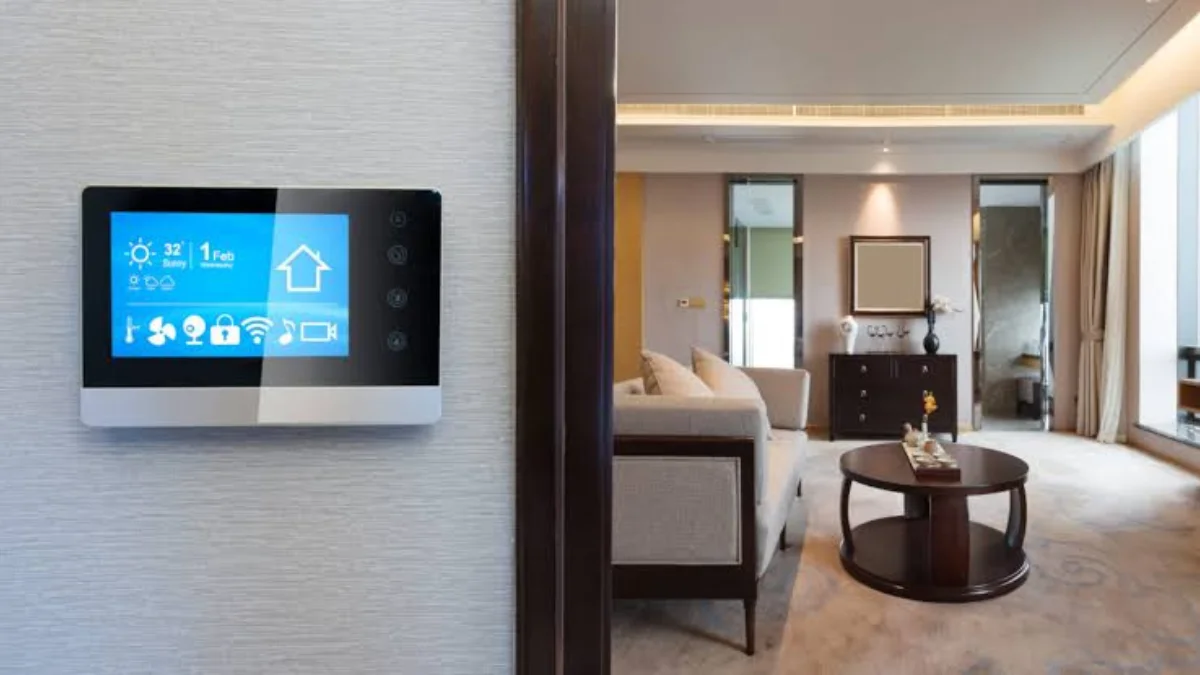
A smart home combines internet-connected devices that communicate with one another to automate everyday tasks. From controlling lights with your voice to monitoring your home remotely, smart technology offers practical solutions that save time and improve comfort. Modern systems are designed to be user-friendly, making them suitable for homeowners and renters alike.
This Smart Home Setup Guide covers everything you need to know before investing in smart devices. You will learn how to choose the right ecosystem, select compatible products and create useful automation routines. By following these tips, you can build a connected home that is secure, efficient and easy to manage for years to come.
What Is a Smart Home Setup?
A smart home setup is a collection of connected devices that work together through your home network. These devices can include lighting, thermostats, security cameras, smart locks, speakers and household appliances. Most are controlled through a smartphone app or voice assistant, allowing you to manage your home from virtually anywhere.
The main purpose of a smart home is to simplify daily life through automation. Instead of manually adjusting lighting or heating, your devices can perform tasks automatically based on schedules, motion detection or voice commands. A well-designed Smart Home Setup Guide helps homeowners understand how these technologies work together to create a seamless living experience.
Plan Your Smart Home Before You Buy
Planning is one of the most important steps when building a smart home. Start by identifying what you want to improve, whether it is home security, entertainment, energy efficiency or everyday convenience. Defining your priorities prevents unnecessary spending and ensures each device adds genuine value to your home.
It is also wise to consider your budget and internet connection before making purchases. Reliable Wi-Fi is essential because every connected device depends on a stable network. Planning for future expansion is equally important, allowing you to add new devices without replacing your existing smart home equipment.
Choose the Right Smart Home Ecosystem
Choosing the right ecosystem is essential because it determines how your devices communicate with one another. Popular platforms include Amazon Alexa, Google Home, Apple HomeKit and Samsung SmartThings. Each ecosystem offers unique features, so selecting one that matches your preferences creates a smoother and more reliable user experience.
Compatibility should always be checked before purchasing any device. Buying products designed for your chosen ecosystem avoids connectivity issues and makes automation much easier. Following this Smart Home Setup Guide ensures your lighting, security cameras, speakers and thermostats work together without unnecessary complications.
Essential Smart Home Devices
The best way to begin is by investing in practical devices that provide immediate benefits. Smart speakers allow voice control, while smart bulbs offer remote lighting control and scheduling. Smart plugs are another affordable option, making ordinary household appliances smarter without requiring expensive upgrades.
As your smart home grows, consider adding smart thermostats, video doorbells, security cameras and smart locks. These products improve home security while reducing energy consumption through intelligent automation. Starting with essential devices keeps installation simple while giving you a solid foundation for future improvements.
Step-by-Step Smart Home Setup Guide

Before installing devices, ensure your Wi-Fi network covers every room in your property. Weak internet signals can cause devices to disconnect or respond slowly. If your home has poor wireless coverage, upgrading to a mesh Wi-Fi system can significantly improve reliability and overall performance.
Next, install your preferred voice assistant or smart hub and follow each manufacturer’s setup instructions carefully. Organise devices into rooms within the companion app and test every feature before creating automation routines. This methodical approach makes the installation process straightforward and reduces potential problems later.
Create Useful Smart Home Automation
Automation is one of the greatest advantages of a connected home. Morning routines can automatically switch on lights, adjust heating and play your favourite news briefing. Evening routines can lock doors, dim lighting and activate security cameras without requiring any manual input.
You can also create routines for holidays or when you are away from home. Smart lights can turn on at scheduled times while motion sensors and cameras monitor your property. These automations improve security and provide reassurance whenever you are travelling or spending extended periods away.
Improve Smart Home Security and Privacy
Every connected device should be protected with strong passwords and two-factor authentication whenever available. These simple security measures greatly reduce the risk of unauthorised access. Securing your wireless network is equally important because every smart device relies on your internet connection.
Regular software updates also play a major role in maintaining security. Manufacturers frequently release firmware updates to fix vulnerabilities and improve performance. Reviewing user permissions, removing unused devices and monitoring account activity helps keep your smart home secure throughout the year.
Reduce Energy Bills with Smart Technology
Smart home technology can significantly reduce household energy consumption by automating everyday tasks. Smart thermostats learn your schedule and adjust temperatures automatically, while smart lighting turns off when rooms are empty. These small changes reduce unnecessary electricity usage without affecting comfort.
Energy monitoring plugs also provide valuable insights into appliance usage. By identifying devices that consume excessive electricity, homeowners can make better decisions about reducing waste. Over time, these improvements contribute to lower utility bills while supporting a more environmentally friendly lifestyle.
Common Smart Home Setup Mistakes
One common mistake is buying devices without checking compatibility. Mixing products from different ecosystems often leads to connection problems and limited functionality. Choosing compatible devices from the beginning creates a much smoother experience and avoids unnecessary frustration during installation.
Another mistake is attempting to automate everything immediately. Starting with a few simple routines allows you to understand how your system works before expanding it further. Gradually adding new devices keeps your smart home organised and ensures every automation serves a practical purpose.
Smart Home Maintenance Tips
Maintaining your smart home is essential for long-term reliability. Check devices regularly for firmware updates, replace batteries in wireless sensors and ensure every automation routine continues operating correctly. Routine maintenance prevents unexpected issues and extends the lifespan of your connected devices.
Cleaning smart speakers, cameras and sensors also improves their performance. Dust can affect microphones, camera lenses and motion detectors over time. Spending a few minutes each month maintaining your equipment ensures your smart home continues delivering reliable performance and convenience.
Future Smart Home Trends
Smart home technology continues to evolve rapidly with artificial intelligence becoming increasingly sophisticated. Future systems will learn household routines automatically and make intelligent adjustments without requiring constant user input. This will improve comfort while reducing energy usage even further.
Another exciting trend is the adoption of the Matter standard, allowing devices from different manufacturers to work together more easily. This greater compatibility gives homeowners more flexibility when choosing products and makes expanding a smart home simpler than ever before.
Conclusion
This Smart Home Setup Guide demonstrates that creating a connected home does not have to be complicated or expensive. Careful planning, compatible devices and practical automation routines can transform the way you manage your household. Even starting with a few basic products can make everyday life noticeably easier.
As technology continues to improve, smart homes will become even more efficient, secure and user-friendly. Begin with essential devices, expand gradually and maintain your equipment regularly to enjoy a connected home that delivers convenience, safety and energy savings for many years.
Frequently Asked Questions
What is the best way to start a smart home setup?
Start with smart speakers, lighting and smart plugs before adding more devices.
Which smart home ecosystem is best for beginners?
Amazon Alexa and Google Home are the easiest options for most beginners.
Do I need a smart hub?
No, many smart devices work directly over Wi-Fi without a hub.
Can I build a smart home on a budget?
Yes, begin with affordable devices and expand your setup over time.
Are smart homes secure?
Yes, if you use strong passwords and keep your devices updated.
Can different smart home brands work together?
Yes, many devices now work together using the Matter standard.
How often should smart devices be updated?
Install firmware updates whenever they become available.
Which smart home devices are the most useful?
Smart speakers, lights, thermostats and security cameras are the most useful for most homes.